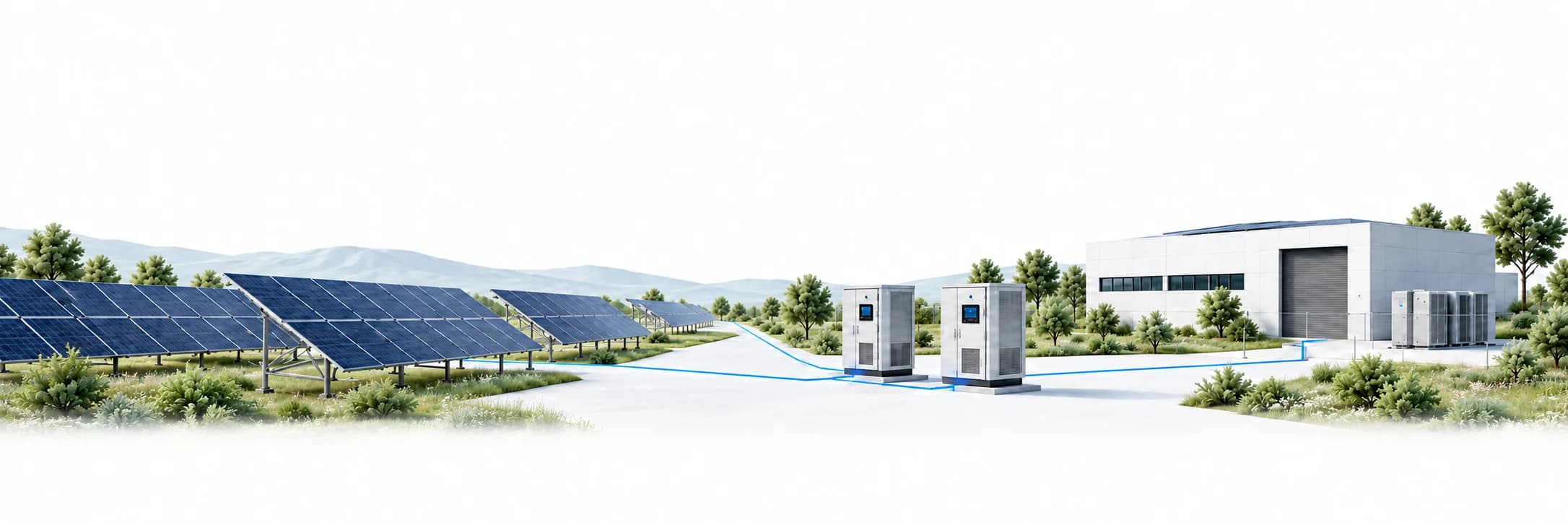
Solar fleet monitoring
Know what every plant is doing. Right now.
See which plants are producing, which are falling behind, and why. From the whole fleet down to one inverter.
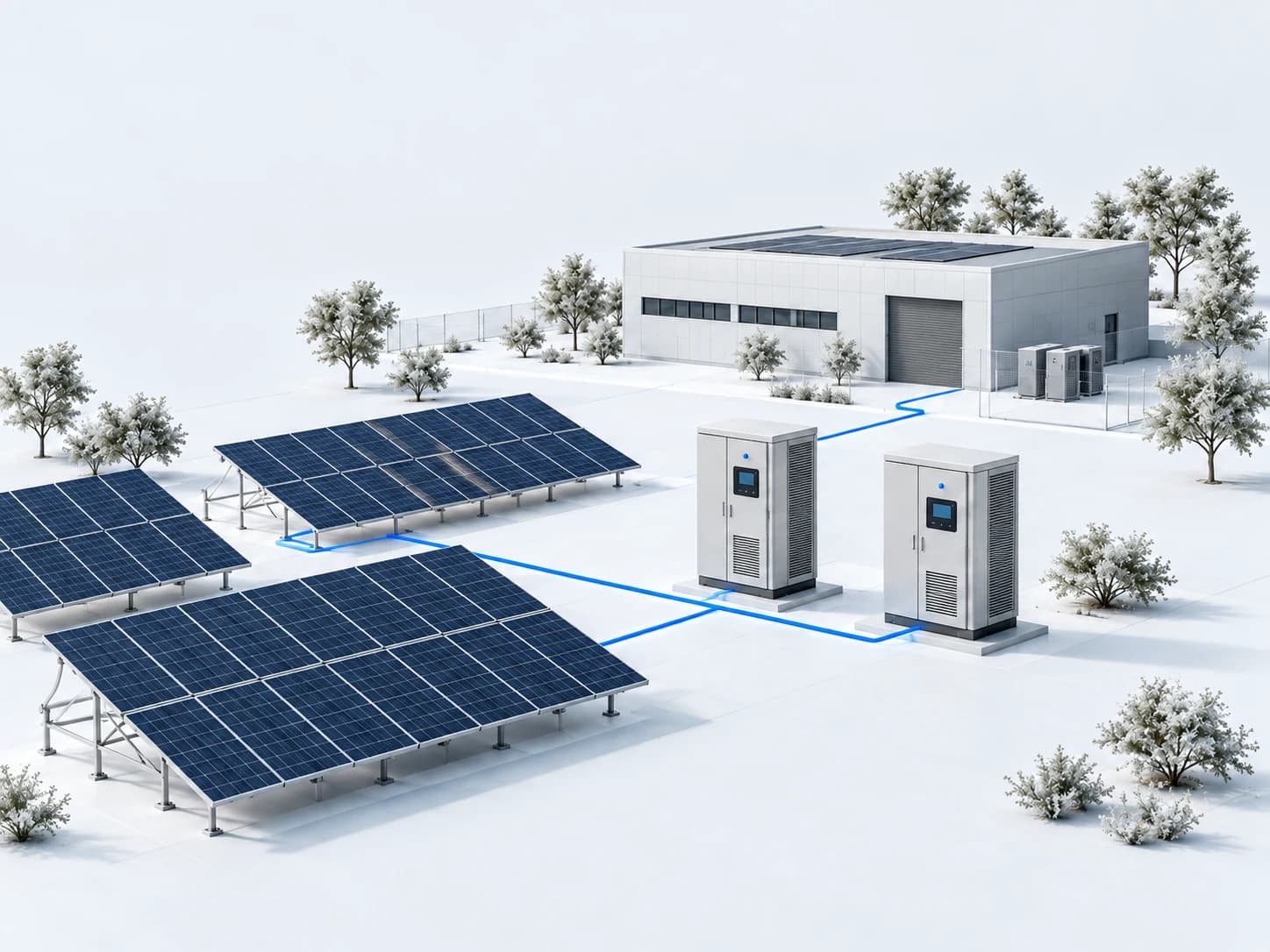
Illustration. All readings are example data.
Month-end reports tell you what you lost. Solarverse tells you while you can still act.
A quiet inverter or a dropped connection starts small. Without one place to see it, your team pieces the story together from portals and phone calls.
From the whole fleet to one inverter, without losing the thread.
Status, timestamps and units stay attached as you go deeper.
Fleet
Fleet status
6 sites, 1,086.7 kW now
Start with the plants that need you.
Production, energy and capacity for the whole fleet, with problem sites pulled forward.
Plant
Riverside
6 inverters, 318.7 kW
 INV-0564.2 kWINV-0663.9 kWINV-07Fault0.00 kWINV-0862.7 kW
See where the power is going.
Live energy flow, production against the weather, and equipment health in one view.
Inverter
Grid voltage out of rangeThe inverter disconnected to protect the grid. Check L2 voltage at the connection point.
Evidence before anyone drives out.
Electrical values, MPPT behaviour and history, with fault states in plain language.
One screen for the whole fleet.
The Fleet view your team opens first: live production, health for every plant, and the alerts that still need an owner.
- 1Producing now
Production, energy and capacity across every plant, from the latest readings.
- 2Fleet status
Health for every plant. A missing reading shows as missing, never as zero.
- 3Attention needed
The newest unacknowledged alerts, one click from the evidence.
Example data.
Everything the person on call needs.
Actual versus expected production
Riverside, today, five-minute intervals
 07:00
07:00 09:0011:0013:00
 15:0017:00
 19:00
19:00−18% since 10:42Clear sky, so the weather doesn't explain it.
- Actual today
- 1,112 kWh
- Expected
- 1,356 kWh
- Variance
- −18.0%
- Data coverage
- 99.3%
Offline · INV-07
Riverside
 Solarverse10:43
- Raised
- Delivered
- Acknowledged
- Resolved
Scan. Plug in. Monitor.
Solarverse Edge sits on the plant network. Your technician connects Ethernet and power; nothing on the plant needs an inbound port.
 InverterSunSpec Modbus TCPInverterSunSpec Modbus TCP
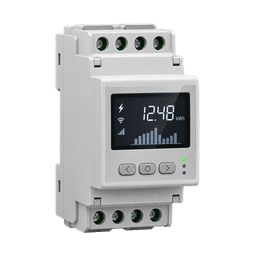 Grid meterModbus TCP
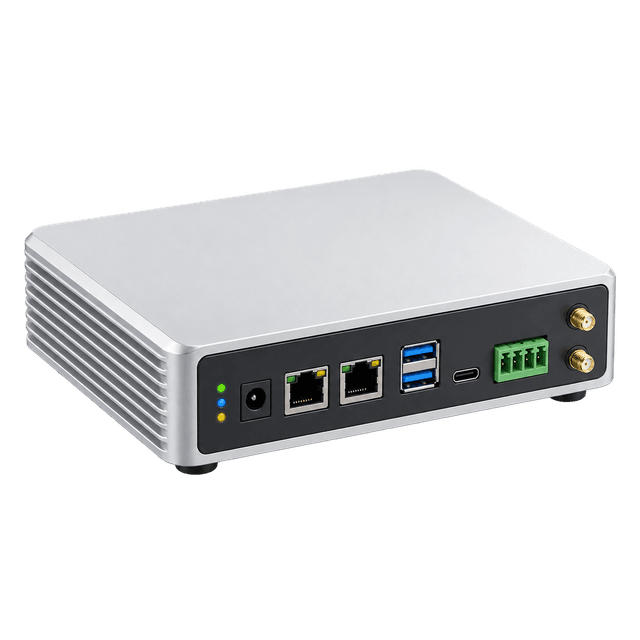 Solarverse EdgeSVE-4F2K9
- Scan the label
Enter the SVE code and choose the plant.
- Plug it in
Ethernet and power. Supported inverters and meters are found automatically.
- Watch it go green
Connection checks pass in the app, and readings arrive every minute.
If the uplink drops, the Edge buffers readings and catches up. Updates are signed and roll back if they fail.
Have a site router? Solarverse can also poll through an outbound WireGuard tunnel.
For installers
Your clients see your brand. And only their plants.
Invite plant owners into a read-only portal with your name, logo and colours. You grant access one plant at a time.
Adria Solar
Good afternoon, Ana.
Read-only access
Solarverse
Good afternoon, Ana.
Read-only access
Voltra Energy
Good afternoon, Ana.
Read-only access
- Your brand everywhereName, logo and accent across web, mobile, widgets and emails.
- Client brands, if you allowClient organizations can carry their own brand inside your workspace.
- Read-only by designClients see only granted plants and can't change settings.
On the desk, on the wall and in your pocket.
Wall boards
Up to nine plants on a control-room screen, in presentation mode.
- North Field482.6 kW
- Riverside318.7 kW
- East Meadow167.4 kW
- Hillcrest118.0 kW
- West OrchardOffline since 12:18
- Lakeside151.2 kW
- Sunset Ridge74.5 kW
- Old Mill55.1 kW
- Meadow ParkWaiting for first reading
Push that opens the plant
Every notification leads straight to the affected site, on iOS and Android.
Remote monitoring without opening the plant to the internet.
Built on the open SunSpec standard, not on one vendor's portal. Send us your models and we'll confirm support.
- Outbound only
- Inverters stay on the plant network. Readings leave over HTTPS; nothing needs an inbound port.
- Explicit access
- Installer roles control operations. Clients see only the plants granted to them, read-only.
- Isolation in the database
- Every tenant's data is separated by PostgreSQL row-level security, not only by application code.
- EU-hosted
- Operational data, backups and logs stay in EU-region infrastructure.
Questions teams ask before connecting a plant.
- Which inverters does Solarverse support?
- Inverters that speak SunSpec over Modbus TCP, plus supported grid meters for import and export. Send us your inverter and meter models and we'll confirm support before you connect.
- What do I need at the plant?
- A Solarverse Edge on the plant network with Ethernet and power. Or an outbound WireGuard tunnel from your site router.
- What happens when a plant loses its connection?
- The Edge keeps reading and buffers locally, then uploads the backlog. Gaps show as gaps, never as zero production.
- How do alerts reach the right person?
- By email, browser push or mobile push, each person's choice. The team sees who acknowledged and resolved each one.
- Can I give plant owners access?
- Yes. Invite them into a read-only portal under your brand and grant access plant by plant.
- Is there a mobile app?
- Yes, for iOS and Android, with the same numbers and statuses as the web app. Android also has home-screen widgets.
- What is the AI investigation?
- An optional pilot that suggests likely causes and checks for an alert from that plant's evidence. It never changes the alert.
- Where is my data stored?
- In EU-region infrastructure, including backups and logs, with tenant data isolated by row-level security.
- Which languages are supported?
- English and Serbian, across the web app, mobile app and emails.
Catch the 10:42 problem at 10:42.
Tell us how many plants you operate and where monitoring breaks down today. No account needed.
- A 15-minute introduction
- A review of your current setup
- A clear pilot plan